Cybersickness Strap + Free Self-Help Guide
Love VR. Hate feeling sick afterward? Get a more adjustable headset fit—plus a free self-help guide to comfort settings, fit checks and breaks.
- FCC & CE certified battery
- Ships in 1–2 days
- 30-day money-back guarantee
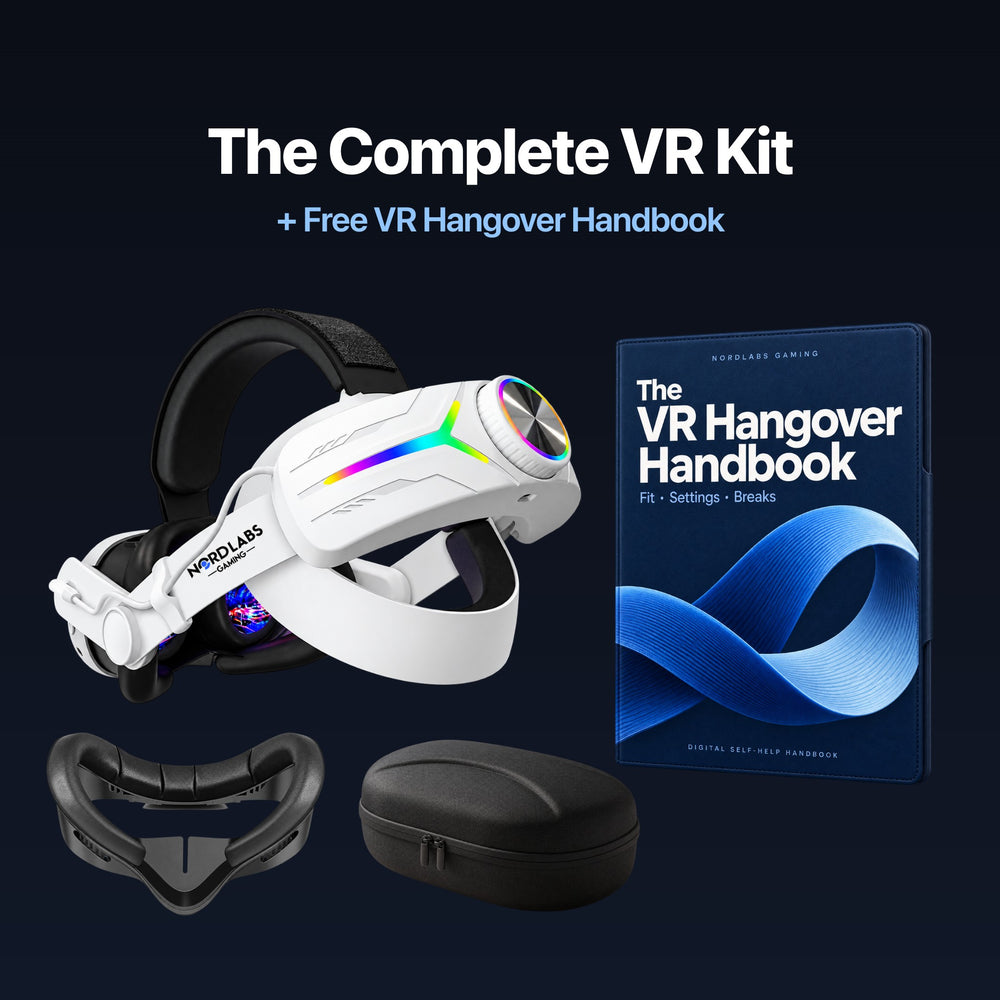
Included In Your Bundle
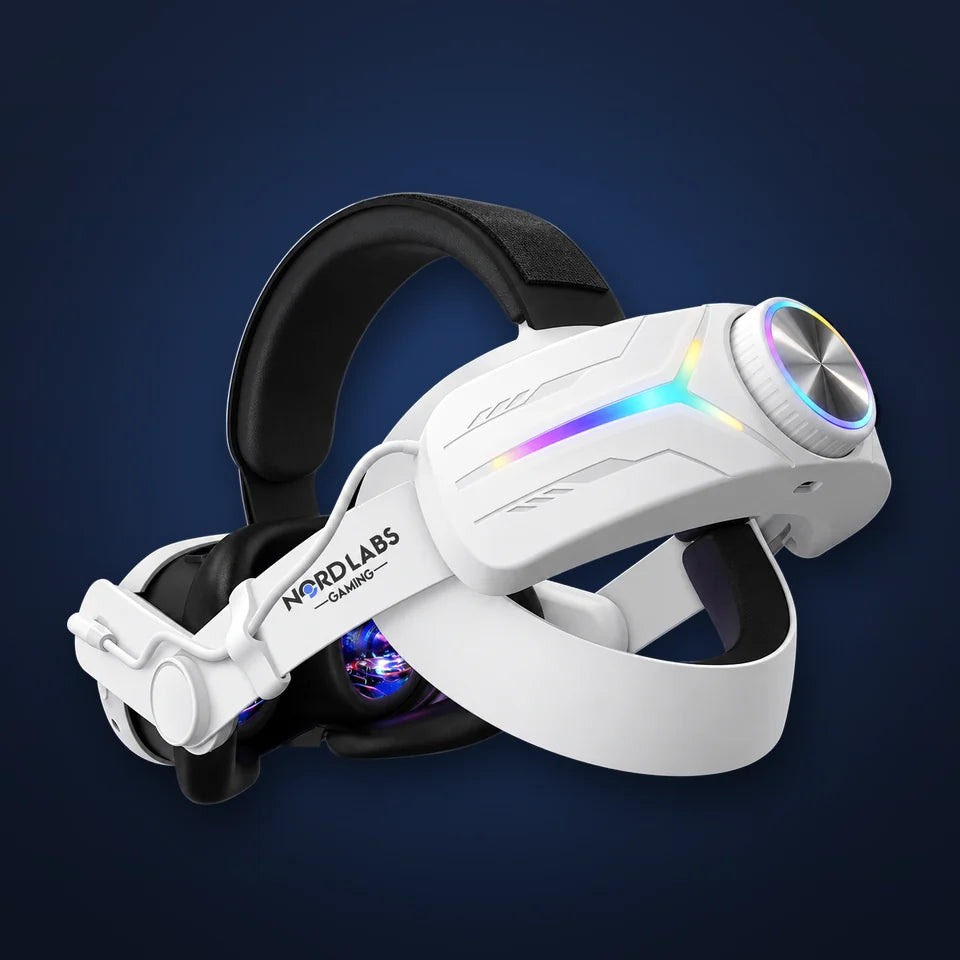
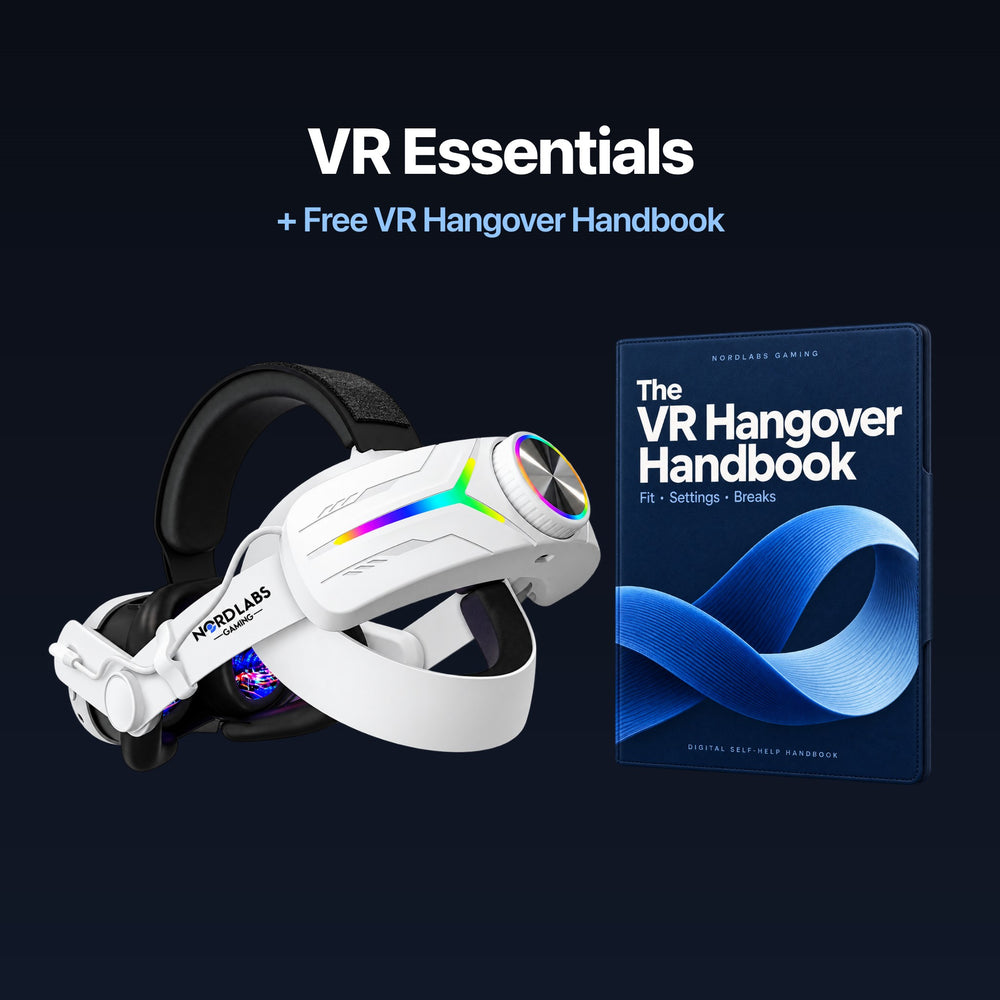
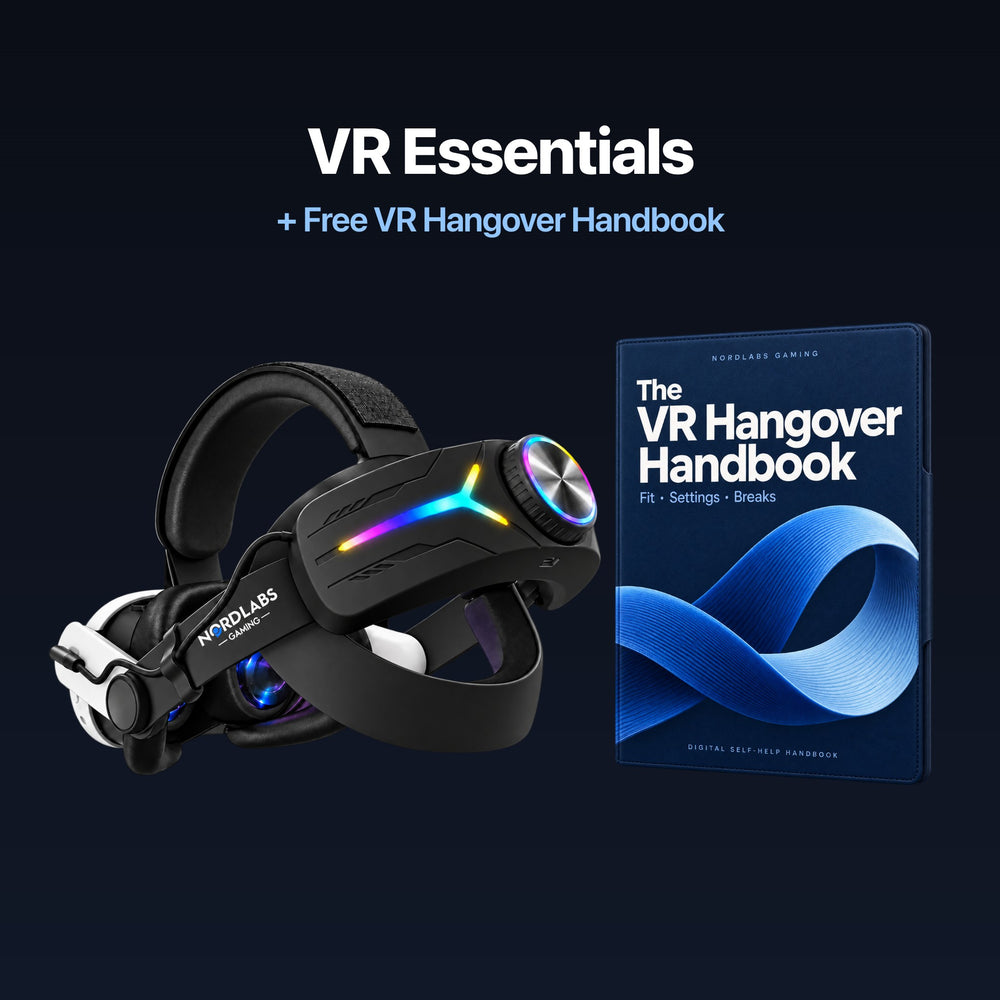
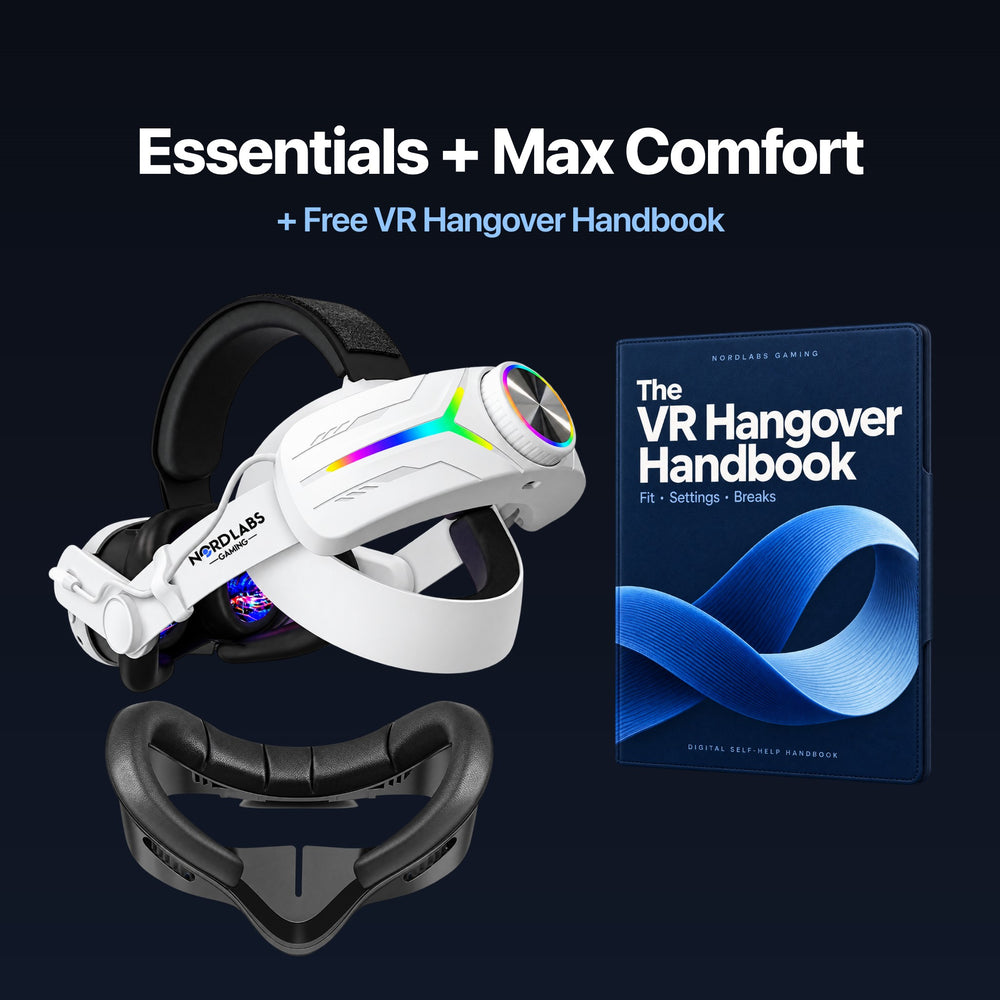
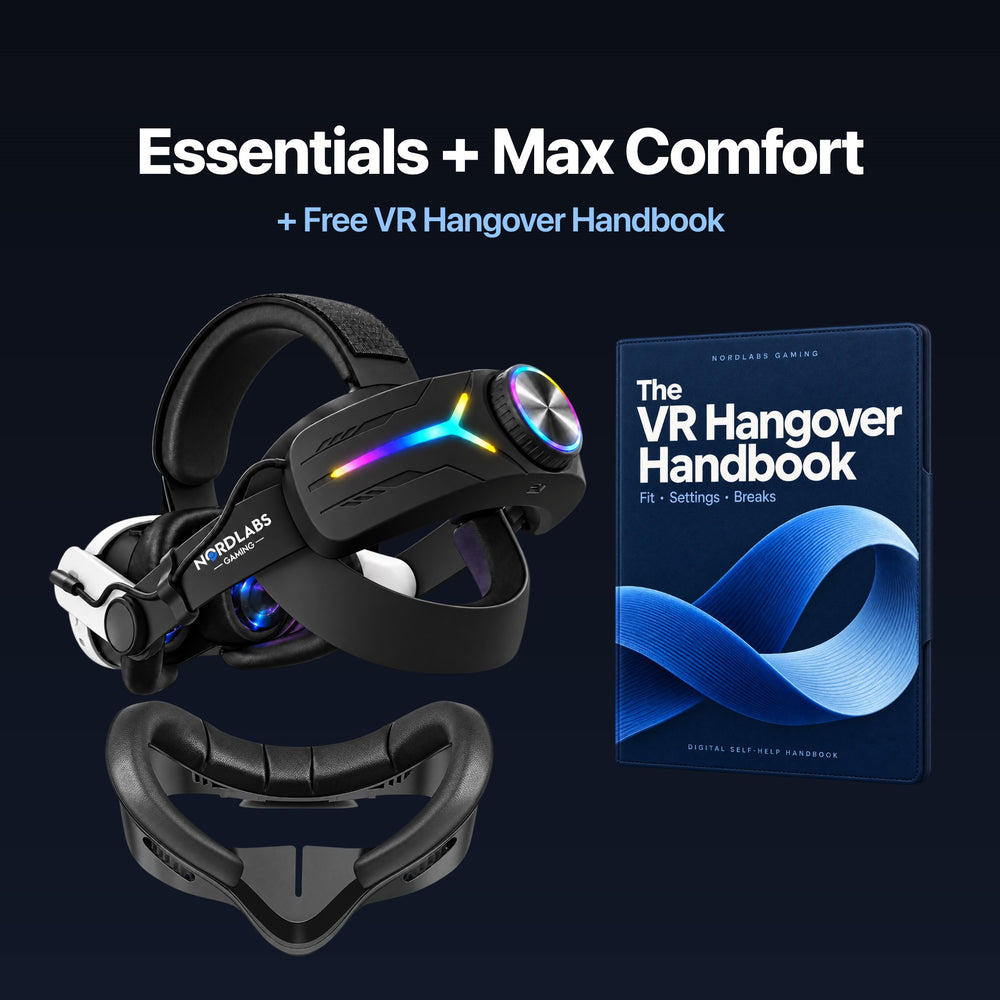
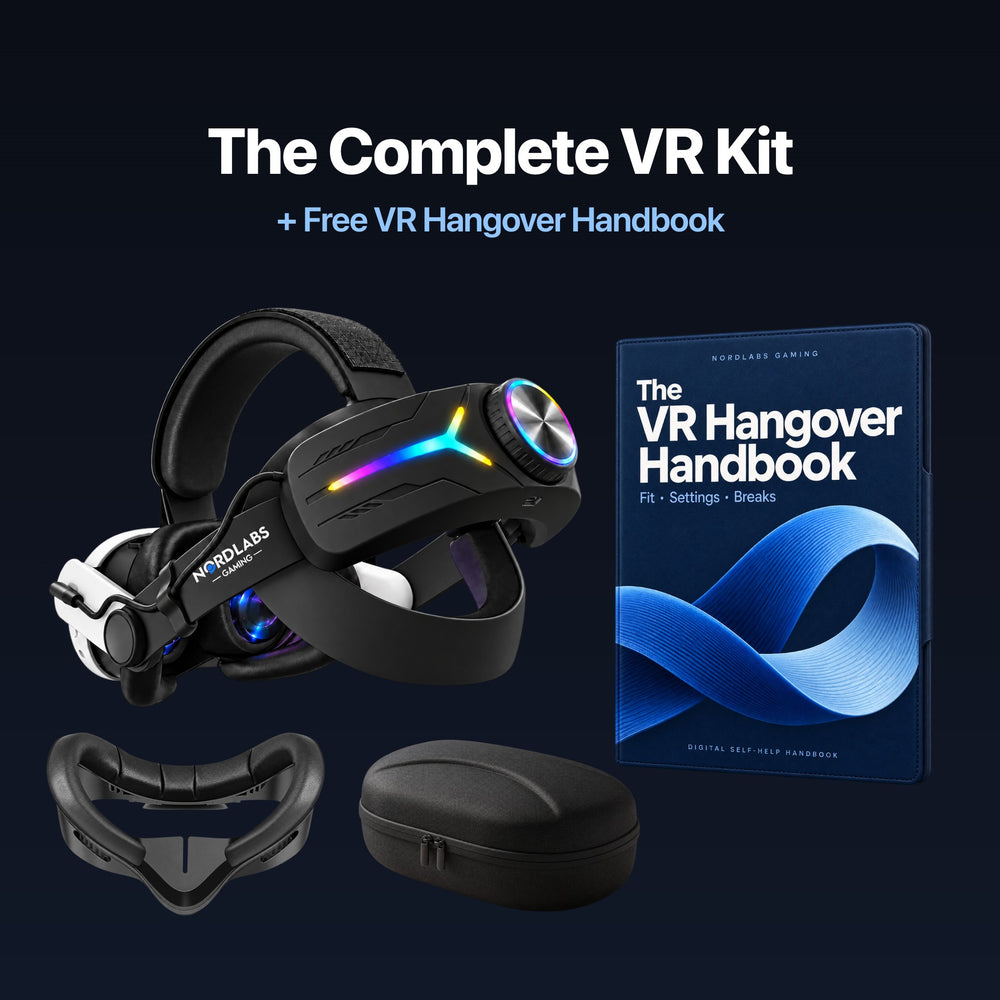
Comfort Strap + Battery
Padded top and rear support, a fit dial and a rear battery pack.
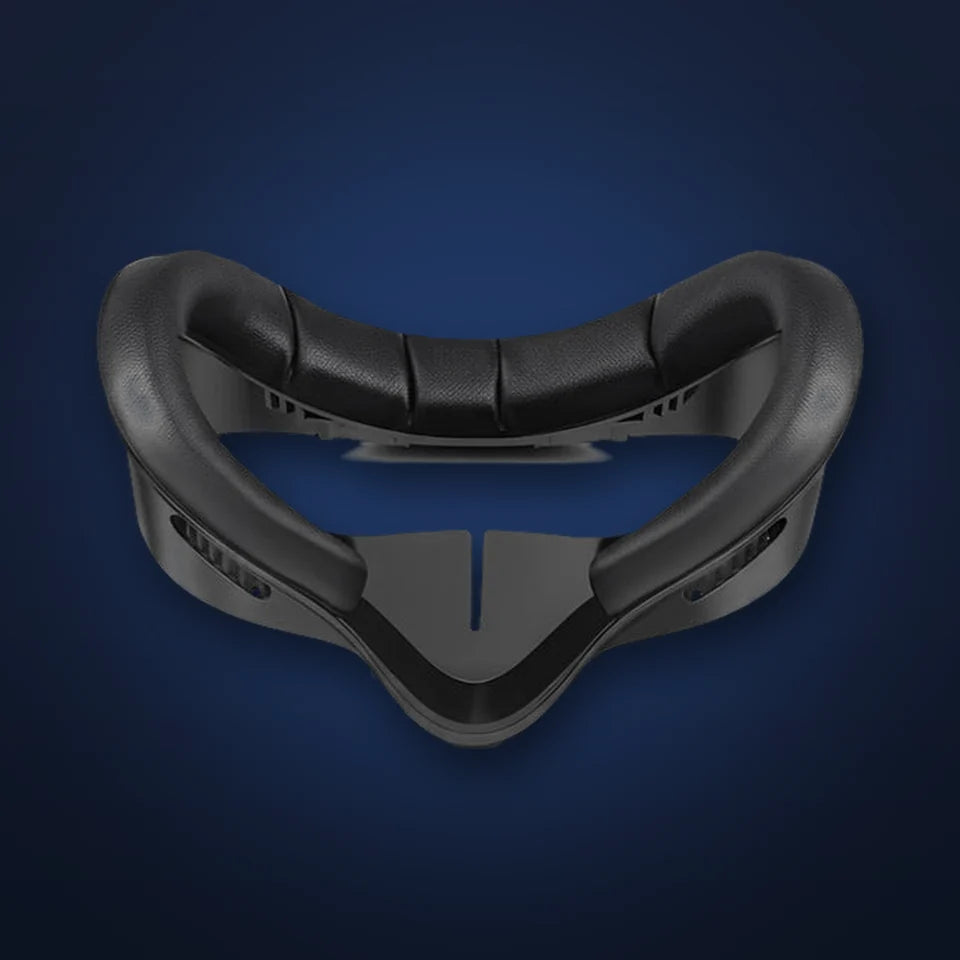
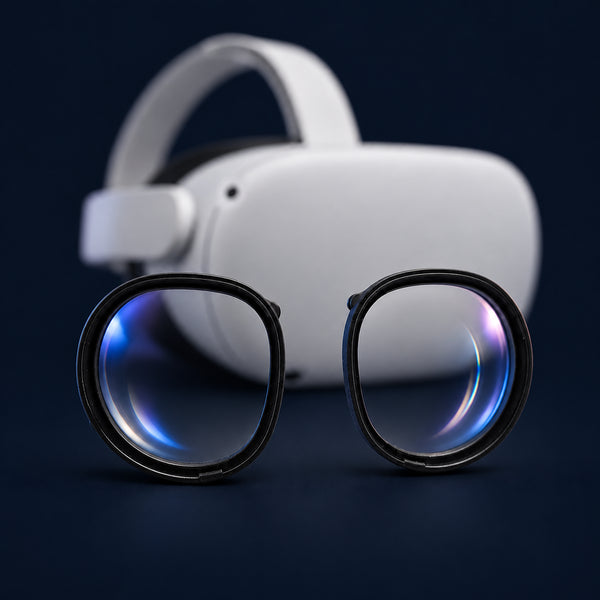
Comfort Face Pad
A soft replacement cushion for your headset. Choose the version that matches your Quest.
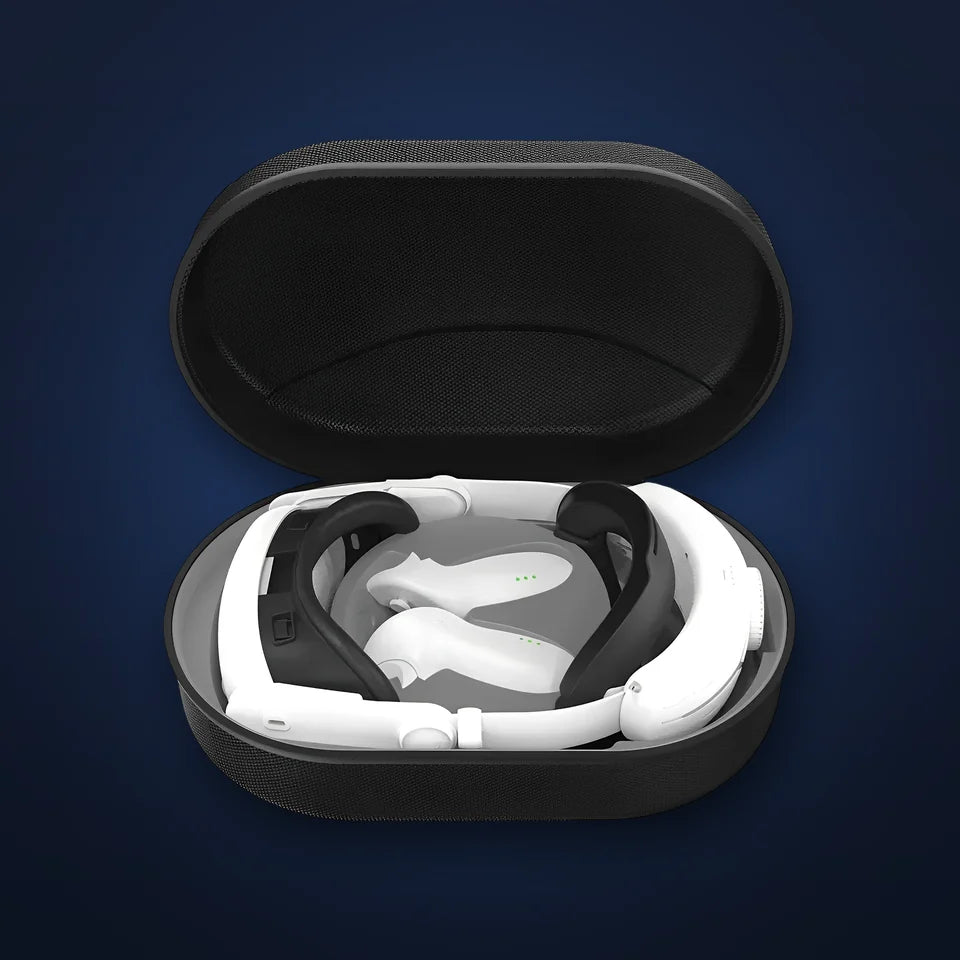
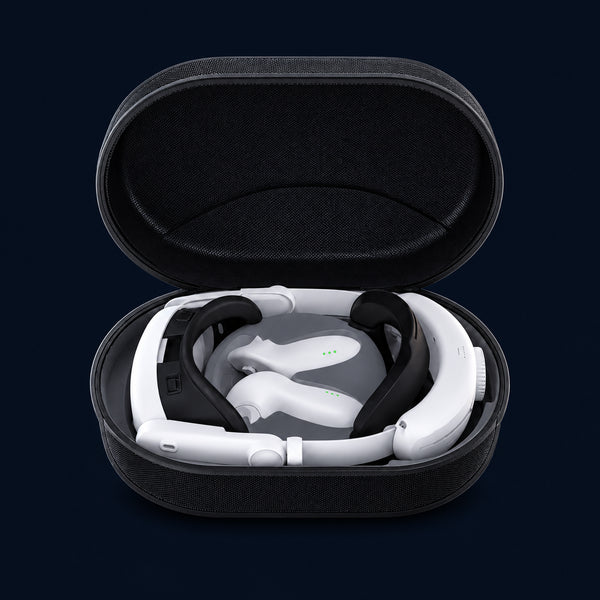
Hard Shell Case
Keep your headset and controllers together in a hard shell carrying case. Headset and controllers are not included.
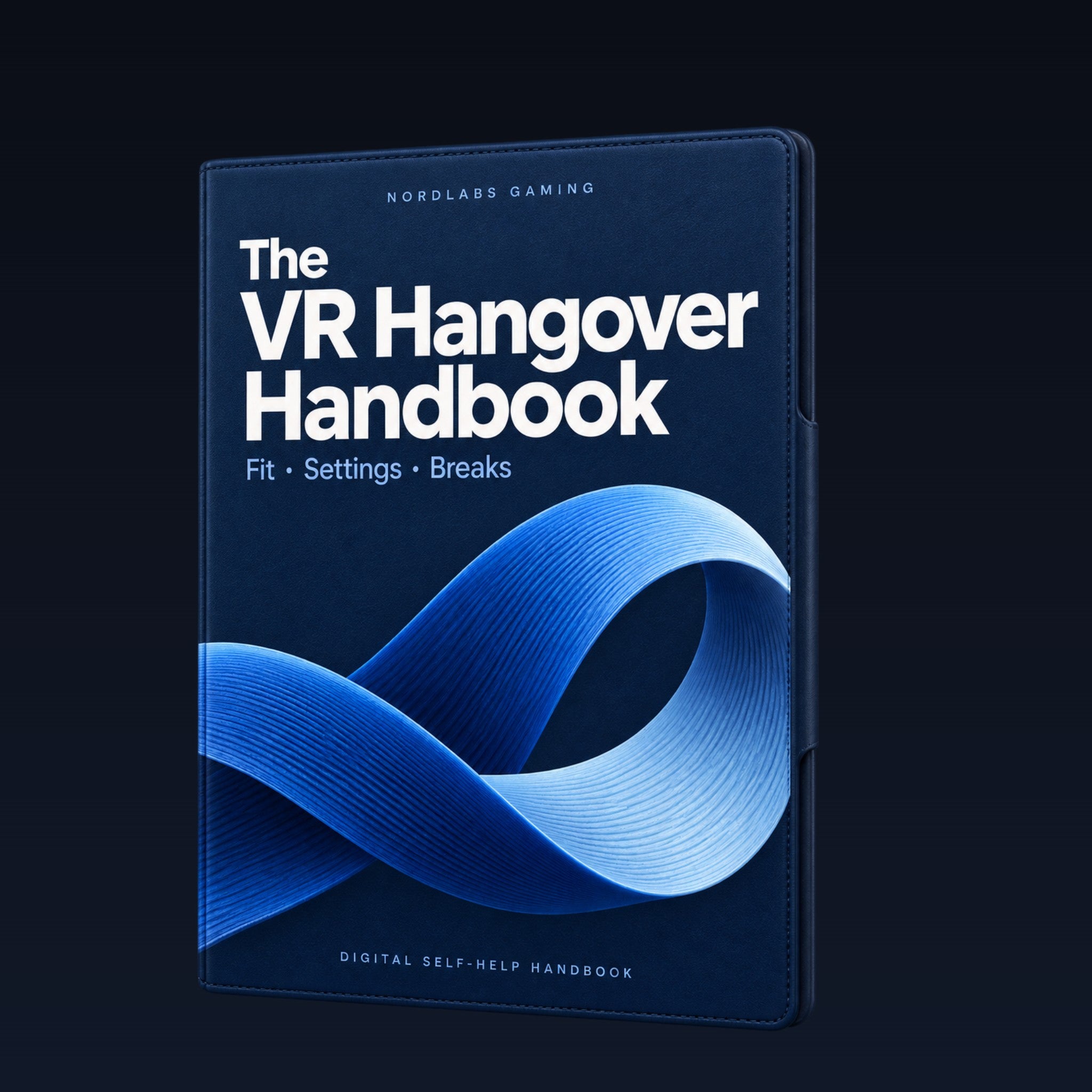
The VR Hangover Handbook
Your digital self-help handbook covers fit checks, comfort settings, movement choices and breaks. This is a PDF, not a printed book.
Try it for 30 days after delivery. If it doesn't help get a full refund, no questions asked.
Read what customers say about fit, comfort and battery life.
Read the reviews


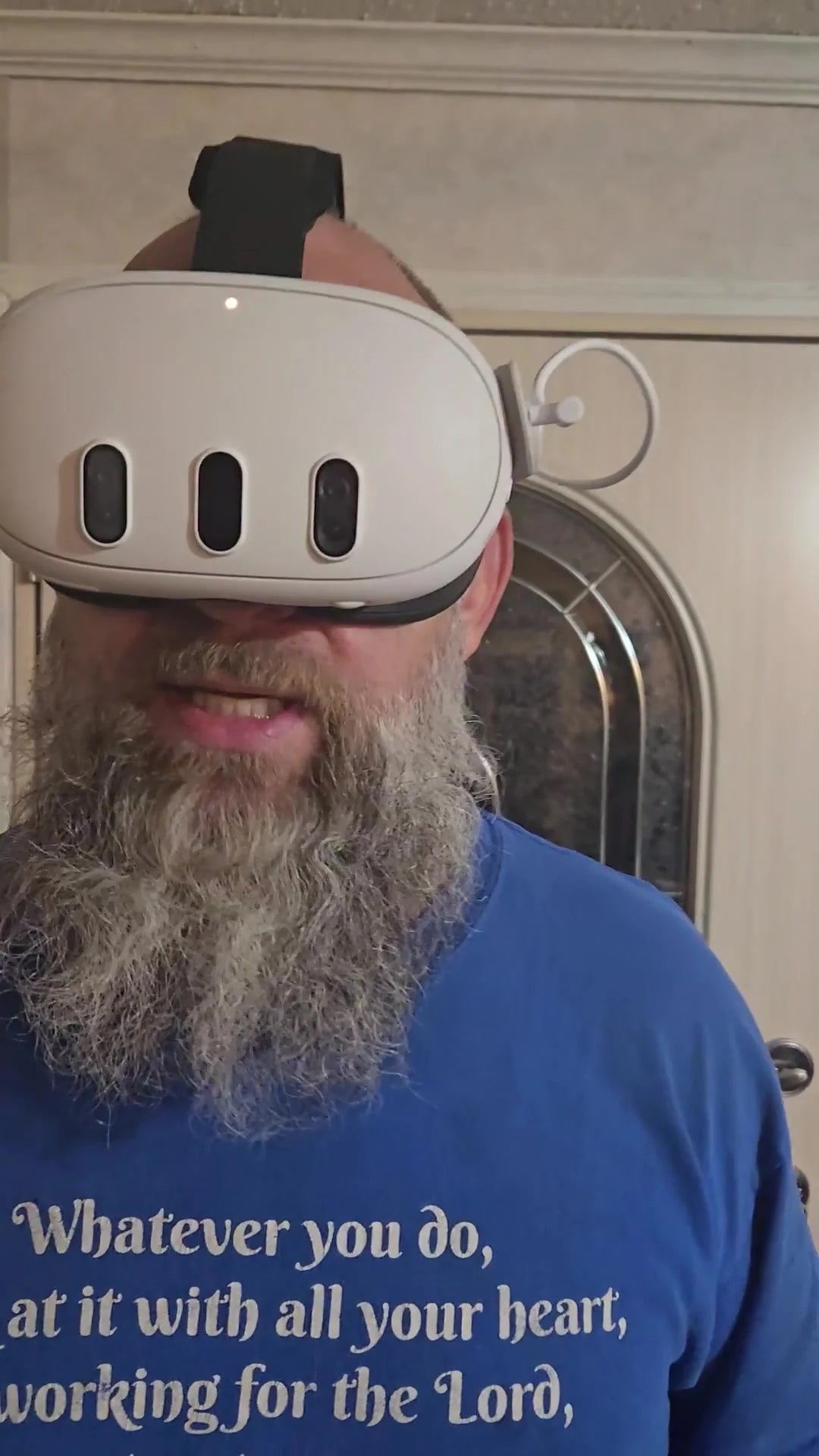
Hear How The Strap Feels From People Who Wear It
See their experience with the fit, support and battery.



4 Ways To Rethink Your Next VR Session
You want the fun of VR without spending the rest of the day feeling off. Start with your fit, then use your guide to check settings and session habits.

Stop Cranking Your Headset Tighter
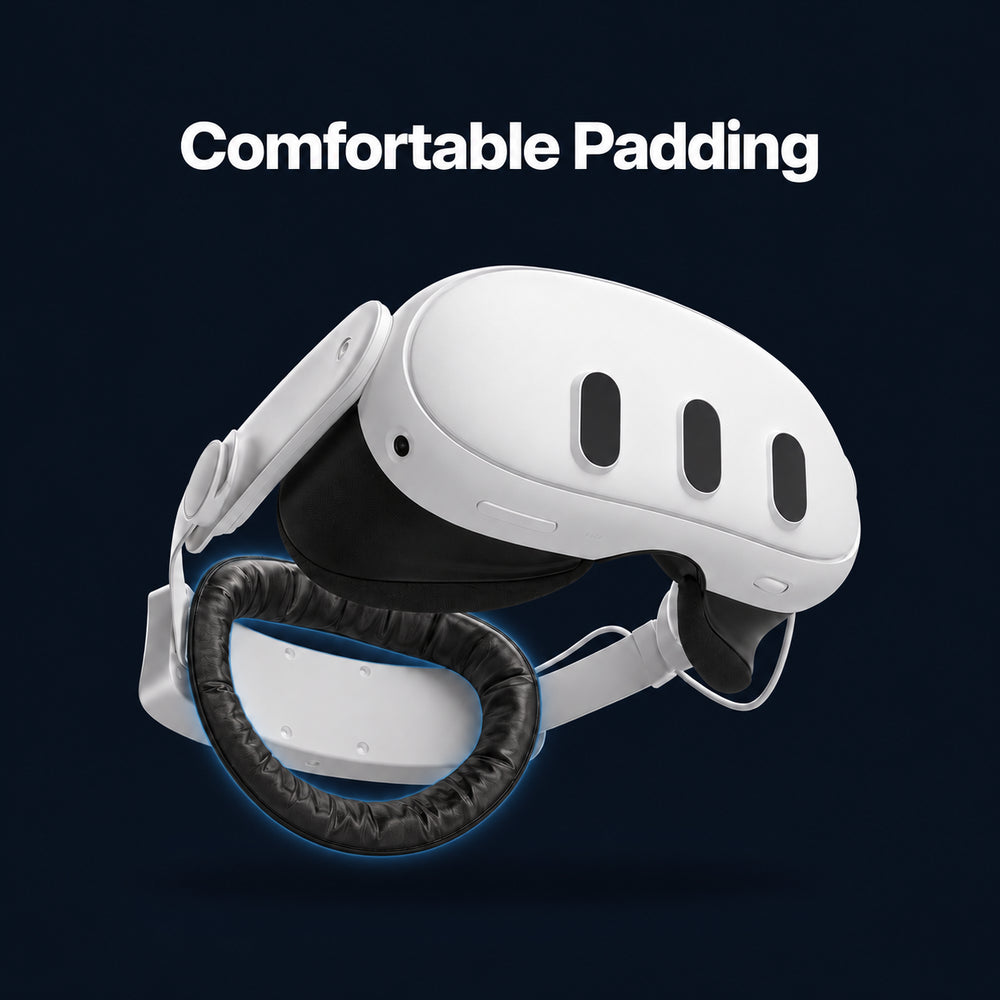
Keeping your Quest in place shouldn’t mean squeezing your face. Padded top and rear support give the headset more places to rest. Adjust them together for a comfortably snug fit.

Change The Front-Heavy Feel
The rear battery puts weight behind your head as well as in front, changing how your Quest feels. It adds power—and total weight—so take time to find the fit that feels right for you.

Find The Fit. Keep The View Clear.
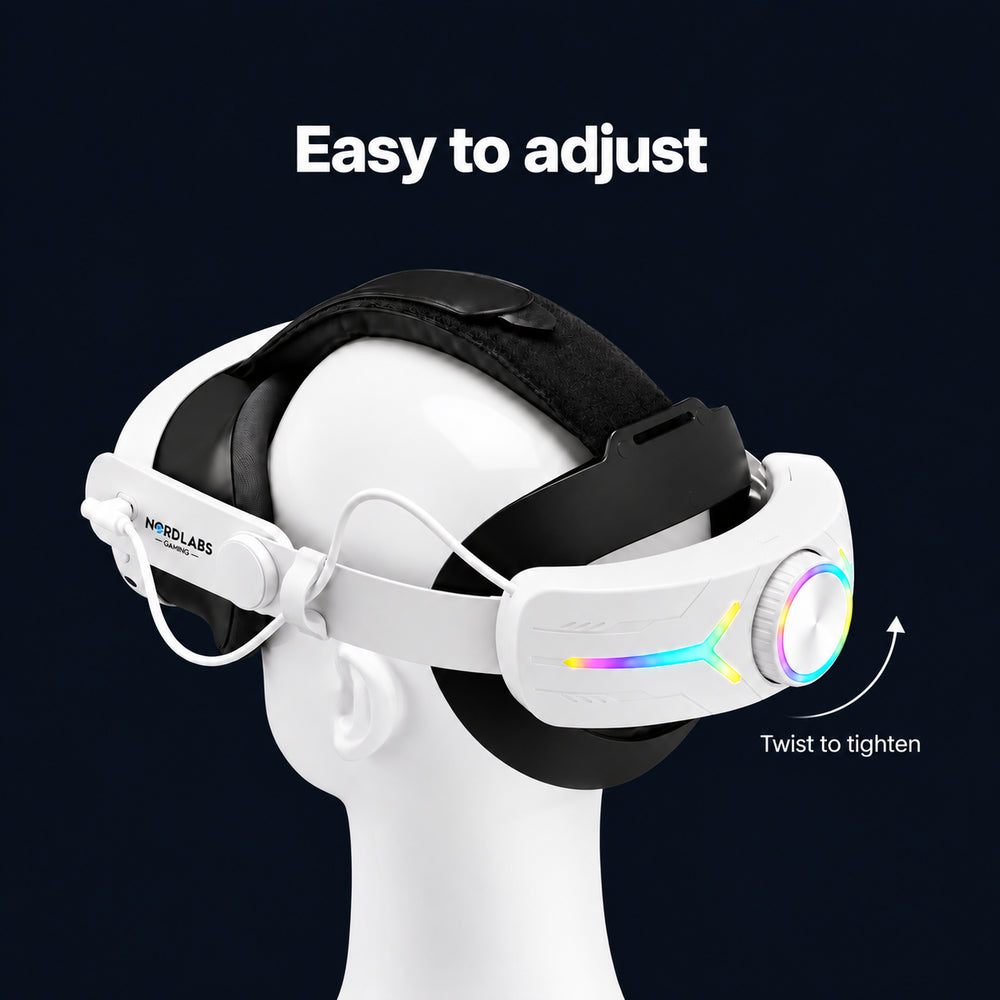
Turn the rear dial in small steps and adjust the top support. Keep the lenses lined up without using extra tightness to hold them there. Your guide gives you a fit check before you play.

Know What To Check Before You Try Again
Your free self-help guide walks through fit checks, comfort settings, movement choices and breaks. Use it to plan your next session. If the sick feeling starts, stop—don’t push through it.
Your Fit Matters. So Do Your Settings.
Cybersickness is VR motion sickness. Headset pressure is a different kind of discomfort. The strap supports your headset; the free guide covers fit, movement settings and breaks.

-
1
Give Your Face Less Of The Holding To Do
The padded top strap helps carry your Quest. Adjust it with the rear dial so the headset has support beyond the face cushion.
-
2
Support At The Back, Too
The padded rear cradle gives your headset another point of support. The battery changes where the weight sits, while adding total weight. How it feels depends on your fit and preferences.
-
3
Adjust Before You Start
Small turns of the dial help you fine-tune the fit. Line up the lenses, keep the strap comfortably snug, then use your guide to check settings and plan breaks.
Headset Support + A Plan For Your Next Session
Upgrade how your Quest fits. Get a free self-help guide for the sick-after-VR frustration.
| Feature | Stock Quest Strap | NordLabs Offer |
|---|---|---|
| Top Support | Soft Fabric Strap | Padded Top Support |
| Rear Fit | Fabric Adjustment | Rear Cradle + Dial |
| Battery Pack | Not Included | Rear Battery Included |
| Comfort Guide | Not Included | 4-page PDF Included |
Get The Fit Right Before The Game Starts
Snap it on in about 2 minutes—no tools needed. Adjust the fit, then check the guide before your next session.
What's Included
Your Comfort Strap with Battery Pack, plus a free self-help PDF for fit, settings and breaks.

-
Comfort Strap with Battery Pack
Fine-tune how your Quest sits with the rear dial. The battery changes the front-heavy feel and adds power between charging stops.
-
Padded Back Support and Top Strap
Give your headset support beyond your face. Adjust the top strap and rear cradle together for a comfortably snug fit.
-
Free Self-Help Guide (Digital PDF)
The 4-page VR Hangover Handbook walks you through fit checks, comfort settings, movement choices and breaks. Included with your purchase at no extra charge.
Frequently Asked Questions
Cybersickness is VR motion sickness. When that sick feeling follows you out of the headset, it can feel like a “VR hangover.” The strap gives you adjustable headset support; we have not established that it prevents or cures cybersickness. Your free self-help guide covers fit, comfort settings, movement choices and breaks. If you feel sick, stop the session. Read about the difference between cybersickness and headset discomfort.
Yes. Your purchase includes the 12-page VR Hangover Handbook digital PDF at no extra charge. It walks through fit checks, comfort settings, movement choices and breaks. The guide is digital; no printed book is included.
Choose the version that matches your headset: Quest 3, Quest 3S or Quest 2. Select your version above the buy button, along with White or Black. The Quest headset is not included.
The battery sits at the back, which changes the weight distribution of the headset. It also adds total weight, so the most comfortable fit varies from person to person. The top support and rear dial let you adjust the setup for yourself.
About 4 extra hours, for up to about 6 hours total with your Quest’s built-in battery. Actual runtime depends on the game and settings. Extra battery is convenience, not a reason to skip breaks or continue when you feel unwell.
No tools are required. The installation video shows how to attach the strap. Once it is fitted, adjust the top support and rear dial for a comfortably snug feel, with the lenses lined up.
Orders normally ship in 1–2 days. Estimated delivery: United States 5–7 days, United Kingdom 4–7 days, Canada 5–12 days, Australia 7–14 days, and other international destinations 7–20 days. These are estimates, not guaranteed arrival dates.
Your purchase is covered by our 30-day money-back guarantee and the standard 120-day product warranty. See the return policy for the terms and how to contact us. Lifetime Warranty, if offered in the cart, is an optional paid add-on.
- 30-day money-back guarantee
- Free shipping
- 120-day warranty
- Real support

What Comfort Strap Owners Are Saying
The VR Community Also Recommends...
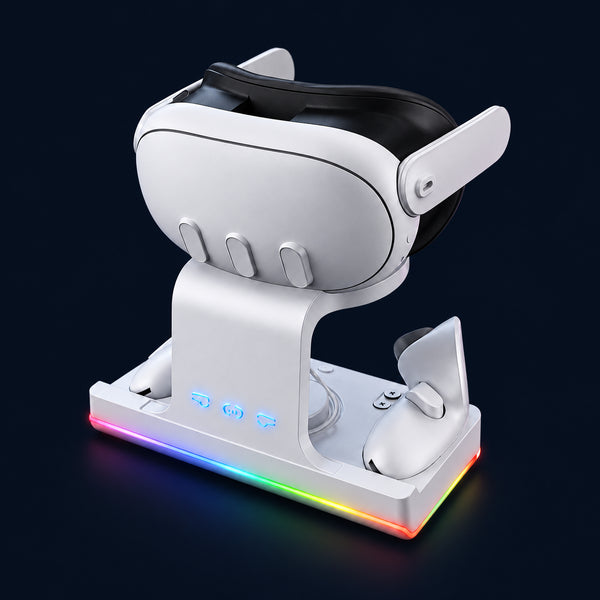
Complete your Quest setup with these essential accessories