Cheeks and brow stop taking the hit.
Soft 3D shaping spreads contact across the cushion instead of letting the headset dig into one spot.

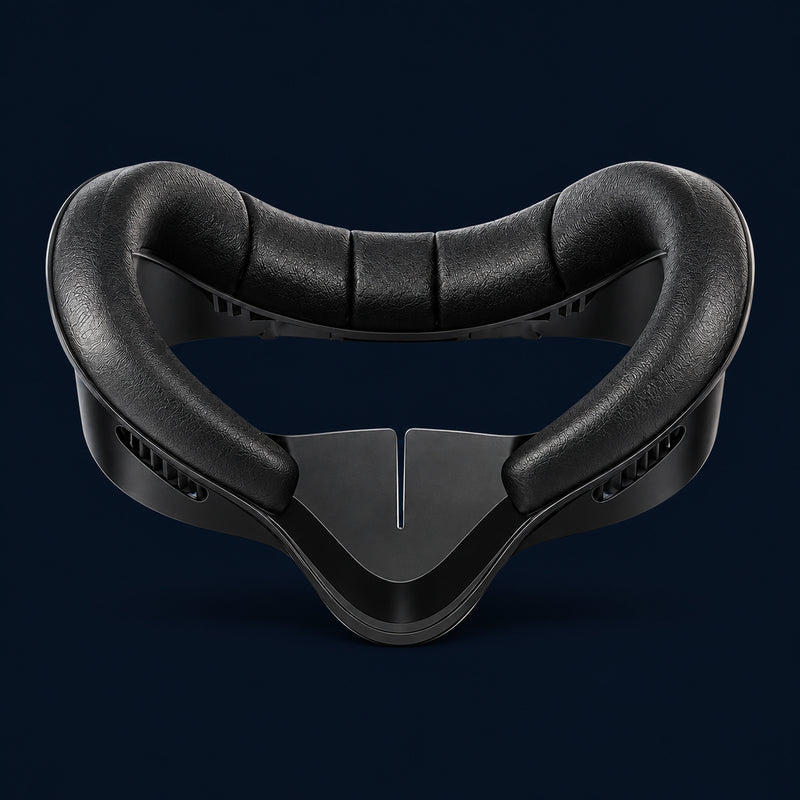
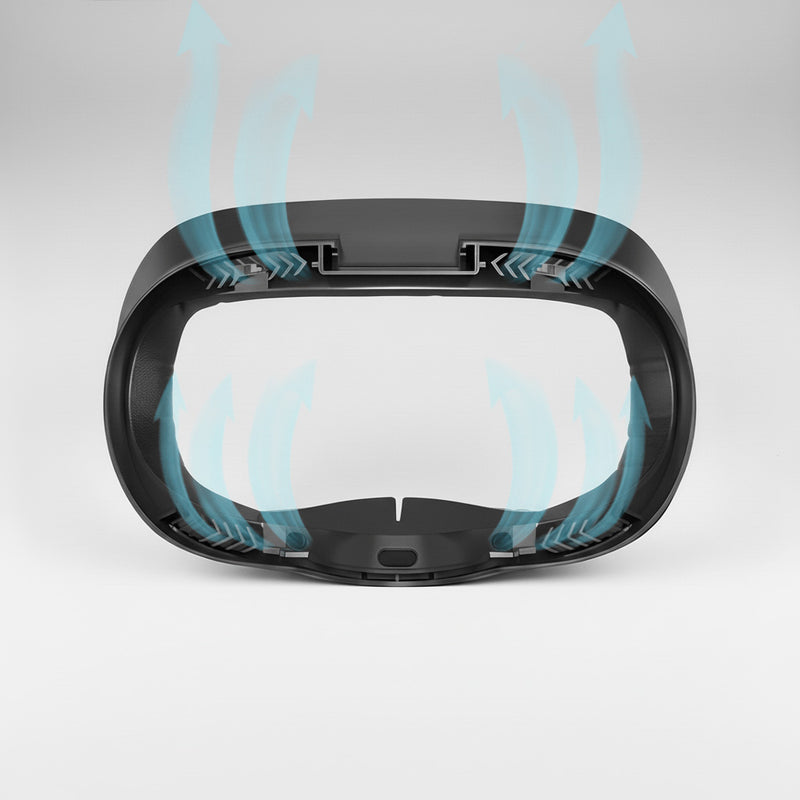
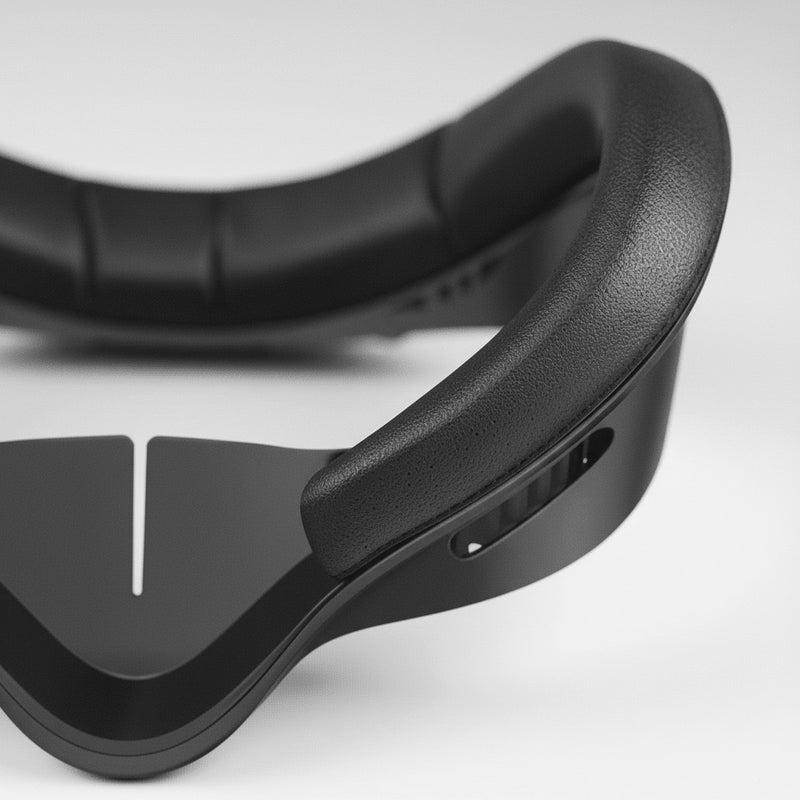
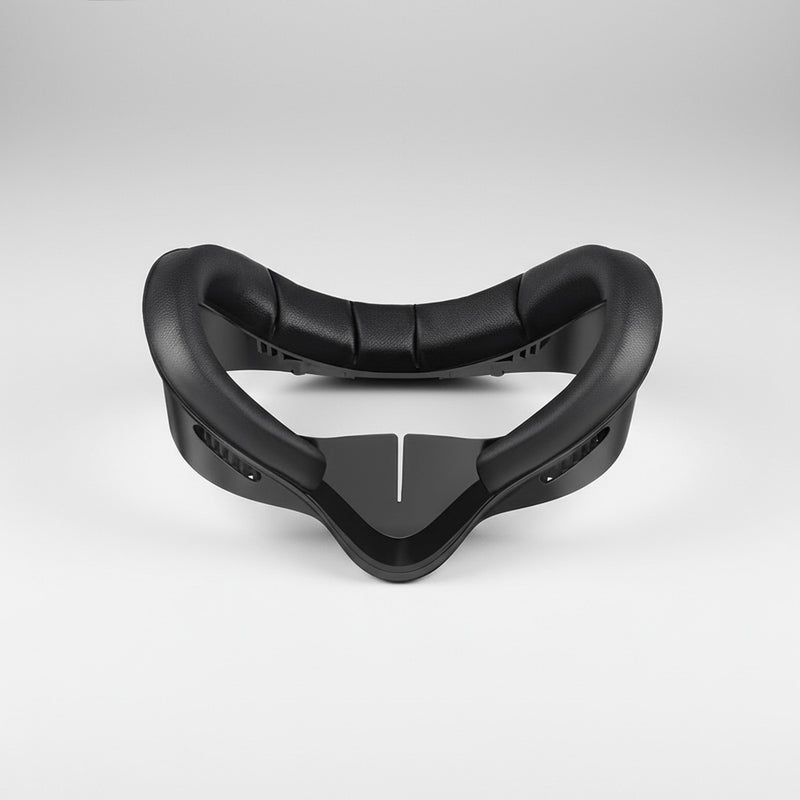
Four common Quest comfort problems, mapped to the face-pad upgrade that fixes them.
Soft 3D shaping spreads contact across the cushion instead of letting the headset dig into one spot.
The performance surface helps manage moisture so fitness sessions feel cleaner and less distracting.
A softer contact surface is easier on sensitive skin during long VR sessions and shared-headset use.
The contoured profile helps reduce side gaps while still keeping airflow more comfortable.
Built to solve the pressure, sweat, cleaning, and fit problems that make stock foam feel old fast.
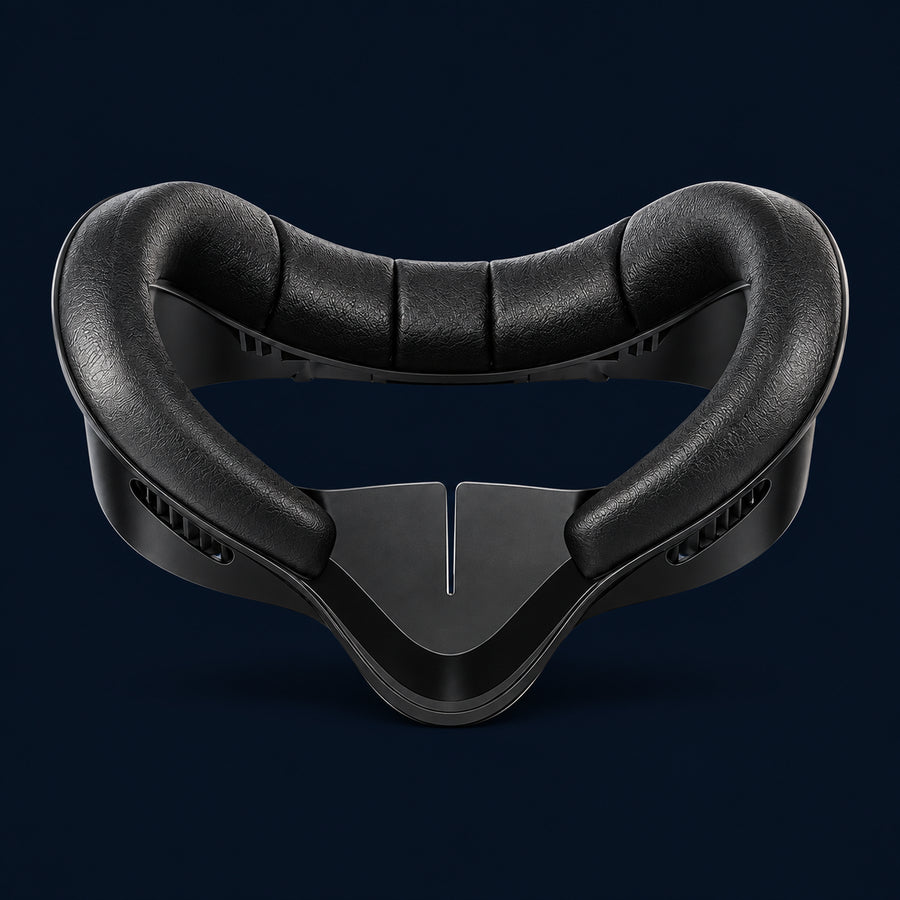
Model-specific options help the face interface sit correctly instead of forcing a loose universal fit.
Wipe it down after workouts, shared headset turns, or long play sessions that make stock foam feel grimy.
The cushion profile reduces the hot spots that usually show up around the cheeks, brow, and nose bridge.
Pop off the stock interface, press this one in, and get back into the game without tools or adhesives.
Compare every spec. No spin.
| SPECIFICATION | Stock Foam | Cheap Silicone Cover | Generic Pad | NORDLABS FACE PAD |
|---|---|---|---|---|
| Pressure Relief | Hotspots fast | Thin cover only | Depends on fit | ✓ 3D molded cushion |
| Sweat Handling | Absorbs sweat | Wipeable, sweaty | Basic foam | ✓ Wicking surface |
| Skin Comfort | Scratchy over time | Can feel sticky | Varies | ✓ Hypoallergenic feel |
| Light Blocking | Basic seal | Cover only | Often gaps | ✓ Contoured blackout seal |
| Cleaning | Holds grime | Wipes clean | Spot clean | ✓ Quick wipe-down |
| Quest 3 / 3S / Quest 2 Fit | Included | Universal fit | Model varies | ✓ Model-specific options |
| Guarantee | None | Marketplace dependent | Usually limited | 30-Day Refund + 120-Day Warranty |
A low-friction upgrade for solo players, fitness sessions, and shared family headsets.
Pull the original face interface off your Quest. No tools, adhesives, or complicated teardown.
Line it up with the headset frame and press until seated. Pick Quest 3, Quest 3S, or Quest 2 before checkout.
Use a damp cloth or gentle antibacterial wipe after sweaty workouts or shared headset sessions.
Try it for 30 days. If it does not make your headset feel cleaner and more comfortable, return it.
Comfort-first product notes for the way Quest owners actually play.
Beat Saber, boxing, and Supernatural turn stock foam into a damp sponge. The Comfort Face Pad gives sweat somewhere to go and wipes clean when you are done.
When multiple people use the same Quest, cleanability matters. A quick wipe between turns keeps the headset feeling less like a borrowed gym towel.
RPGs, sim racing, and movie nights punish rough pressure points. The cushion profile is built to stay comfortable after the first hour.
A softer, hypoallergenic-feel surface helps avoid the scratchy, red-cheek aftermath that makes people take the headset off early.
Yes. The Comfort Face Pad is available for Meta Quest 3, Quest 3S, and Quest 2. Select your headset version before checkout so the pad fits your specific face interface.
It uses a soft performance-fabric cushion with a breathable, sweat-wicking surface. The goal is to feel cleaner and softer than the stock foam while still holding a secure seal against your face.
Remove the stock face interface, align the Comfort Face Pad with the headset frame, and press it into place. The swap is quick and does not require tools or adhesives.
Yes. Wipe it with a damp cloth or gentle antibacterial wipe after play. That makes it a better fit for sweaty workouts and shared headsets than absorbent stock foam.
The Comfort Face Pad can create a slightly more forgiving fit than stock foam, but glasses comfort depends on your frame size. For the cleanest glasses-free setup, pair it with NordLabs Prescription Lens Attachments.
We offer a 30-day money-back guarantee. If the Comfort Face Pad does not make your Quest feel cleaner and more comfortable, return it for a full refund.
Complete your Quest setup with these essential accessories