Your VR Session Is Over. Why Do You Still Feel Sick?

Queasy in the game. “Hungover” afterward. Before you give up on your Quest, here are 5 reasons to rethink the setup you’re playing in.
See the Strap + Guide
At first, you’re having exactly the kind of fun you bought your Quest for.
Then your stomach starts to turn. You tell yourself you’ll finish this part. Maybe it’ll pass.
Instead, you take the headset off. The game stops. The sick feeling doesn’t.
If that sounds familiar, keep readingThe Science Behind That “VR Hangover”

Researchers call motion sickness caused by virtual reality cybersickness. It can make you feel sick to your stomach, dizzy, or off-balance.
When that sick feeling follows you out of the headset, it can feel like a “VR hangover.”
One common explanation is mixed signals.
The virtual world travels past you.
You haven’t moved through your room.
Those signals don’t match—and that can make you feel sick.
See research on cybersickness and other VR discomfort and Meta’s guidance on movement and comfort.
Fix Cybersickness5 Ways to Tackle
Cybersickness
Here’s what the strap-and-guide offer gives you to work with before your next session.
Give the position you chose something to hold it.

You adjust the headset. Find a clear image. Then reach up to move it again.
If that’s part of your routine, look at what’s holding your Quest in place.
The Comfort Strap uses a structured frame, padded top support, and a broad rear cradle to support the headset around your head.
That gives you a different way to hold the position you’ve fitted. Set your headset and lens spacing for a clear image, then adjust the support around that fit.
Make a small adjustment. Keep the headset on.

Fit is personal. The setting that works for someone else may not work for you.
The rear adjustment dial lets you make small changes while wearing the headset. The top adjustment gives you another way to position its support.
Start with comfortable placement. Turn the dial gently to refine the fit, and recheck the image before playing.
You have more to adjust than simply pulling a fabric strap tighter.
The battery does more than keep a charge.

It sits behind your head, with the padded rear cradle supporting it.
That rear weight changes how the headset’s load is distributed. Together with the top support and structured frame, it gives your Quest a different support arrangement from the stock fabric strap.
It also adds total weight. Adjust the fit and judge the comfort for yourself; more weight won’t suit everyone.
Headset research considers both weight and balance when studying physical comfort.
The battery adds about 4 hours to your Quest’s battery life—up to 6 hours total. Runtime varies by headset and game. Your next break still depends on how you feel, not how much charge is left.
Choose My Comfort StrapThe next useful change may be inside the game’s settings.

Comfort options vary by game.
You shouldn’t have to guess which comfort options to look for.
Included with your strap purchase, the VR Hangover Handbook walks you through movement settings such as teleporting, snap turning, and a comfort vignette, where available.
It also covers choosing gentler content and checking an experience that stutters. Different people respond differently to movement options, so the guide explains what to check rather than promising one setting works for everyone.
Your strap handles physical support. The PDF helps you look at the experience you’re running inside it.
These options are discussed in Meta’s movement and comfort guidance.
Know what to do before “I feel a bit off” becomes “I wish I’d stopped.”

When a game is good, it’s easy to bargain with yourself. One more round. One more checkpoint.
The guide gives you a practical plan: stop when symptoms start, take real breaks, and check your setup before returning.
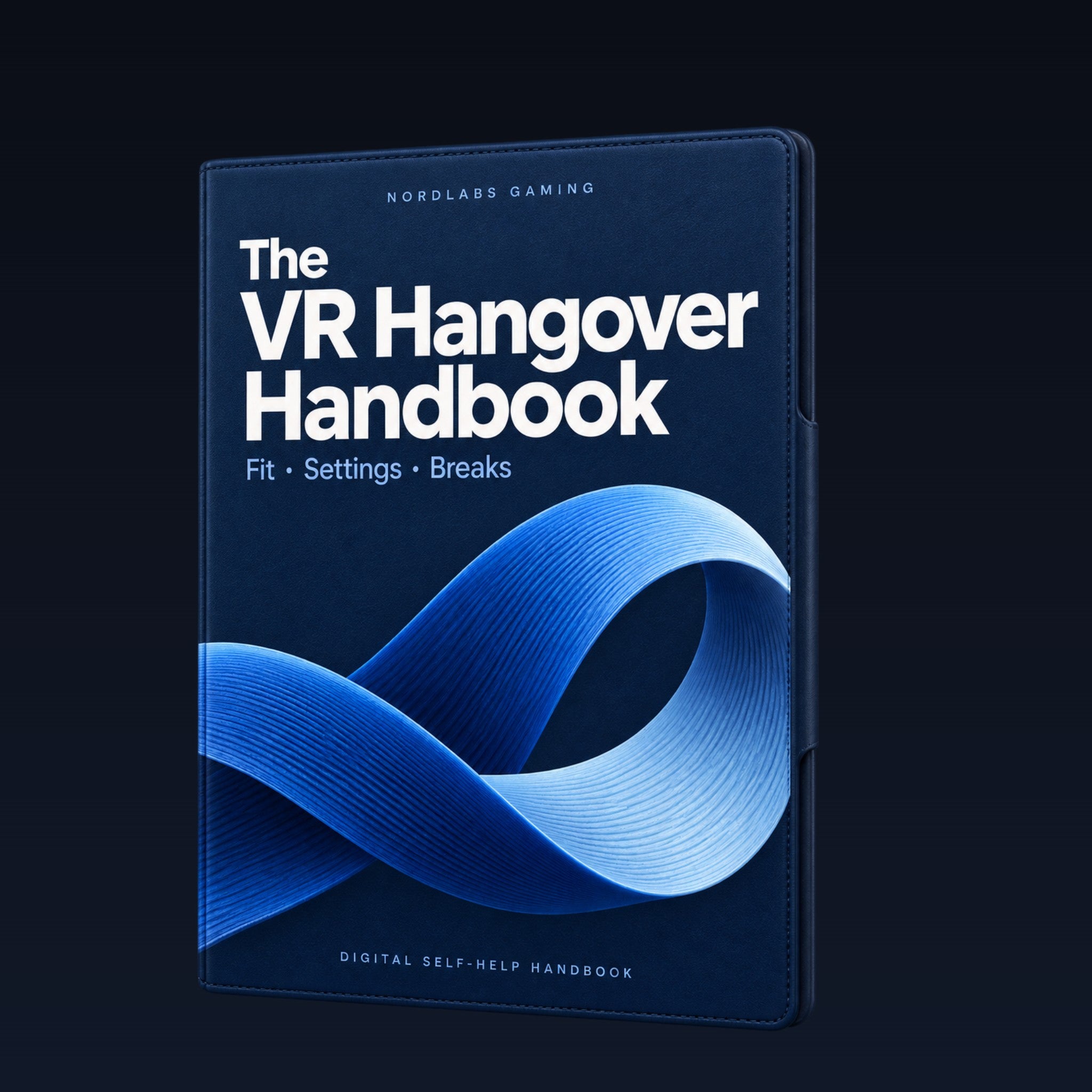
Your strap purchase includes the VR Hangover Handbook PDF at no extra cost, with the checks in one place.
- What to do when you already feel sick
- Fit and lens-spacing checks
- Movement options and session breaks
- When to get medical advice
Included with your Comfort Strap with Battery Pack purchase.
You bought your Quest to enjoy it. You don’t have to push through feeling sick to earn that enjoyment.
Get My Strap + Free Guide


VR Hangover Handbook PDF included with your strap purchase
Cybersickness Strap + Free Self-Help Guide
A fit you can adjust. A guide that helps you check the rest. Start with your setup.
- Improved comfort & Reduced Cybersickness
- 4 extra hours of battery life.
- Compatible with Quest 2 / 3 / 3S
- PDF included with purchase: fit, comfort settings, symptoms, and breaks
Before you choose your strap
Why get the strap and handbook together?
Get the support and the know-how. The strap gives you padded support and a fit you can fine-tune. The free handbook walks you through game settings and session breaks.
How much extra battery life do I get?
About 4 extra hours, for up to 6 hours total with your Quest’s built-in battery. Runtime varies by headset and game.
Will it fit my Quest?
Yes—choose the Quest 3/3S version or the Quest 2 version on the product page. Then pick your color. Headset sold separately.
Is the VR Hangover Handbook really free?
Yes. The digital PDF comes with your strap at no extra cost. It puts fit checks, comfort settings, and session breaks in one simple guide.
What if I don’t feel a difference?
You have 30 days after delivery to try it. If you’re not happy, email support@nordlabsgaming.com for a full refund.