Clear lenses stay clear longer.
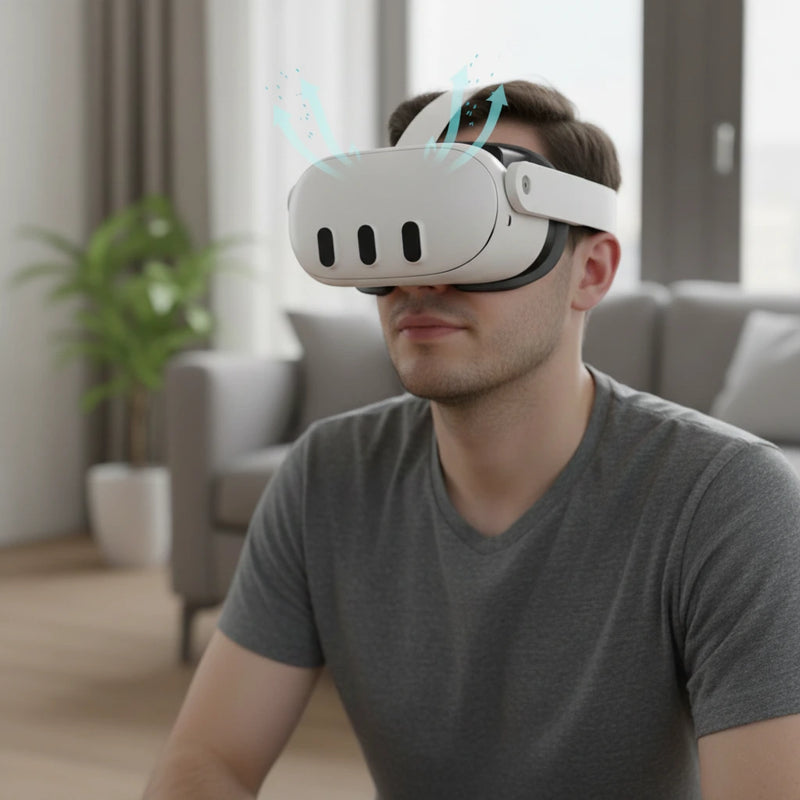
Airflow helps move warm, humid air away before it clouds your view.


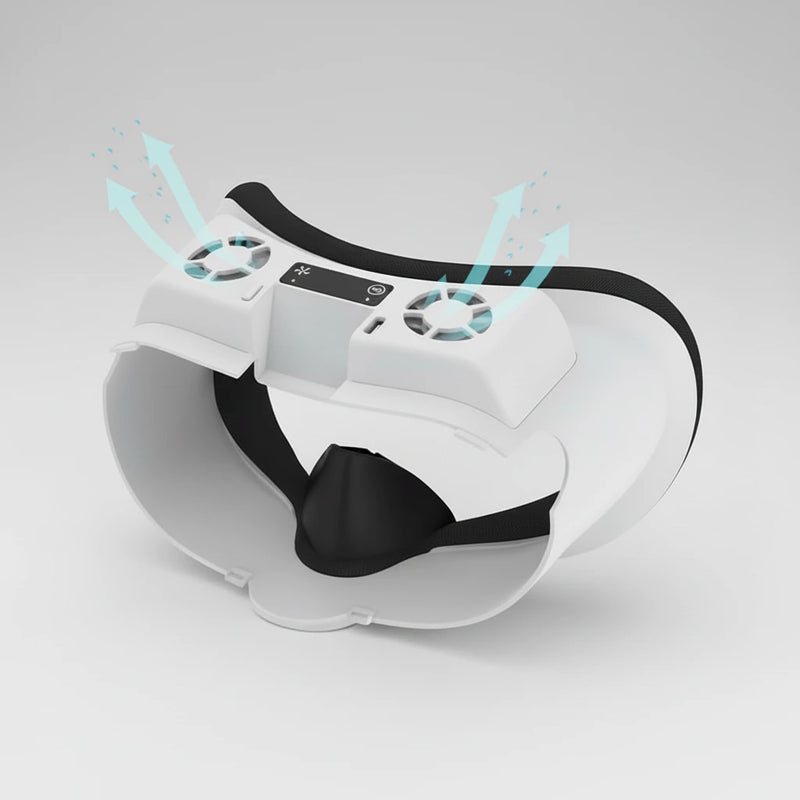
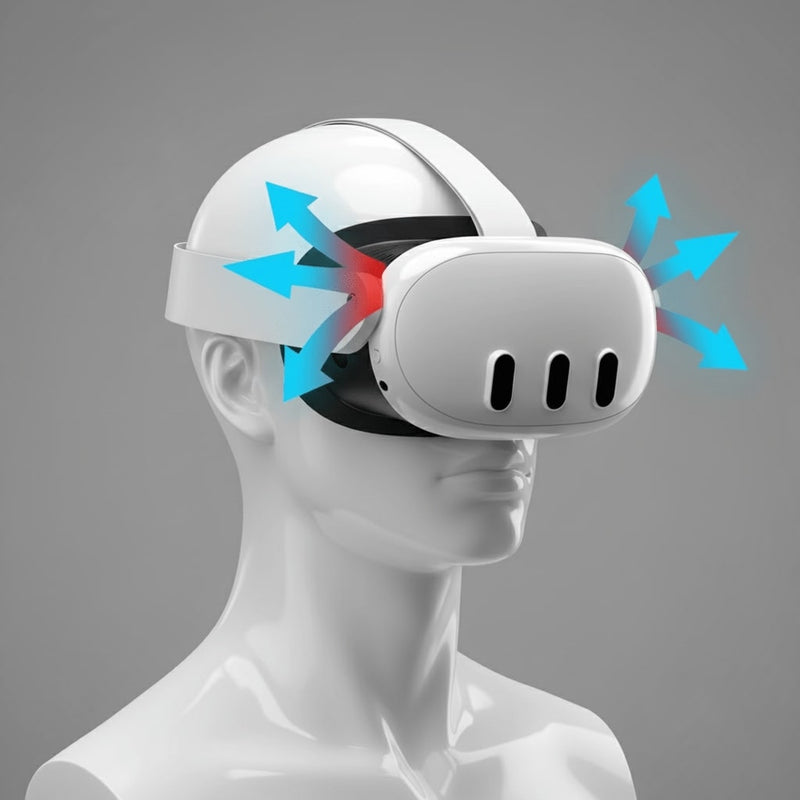
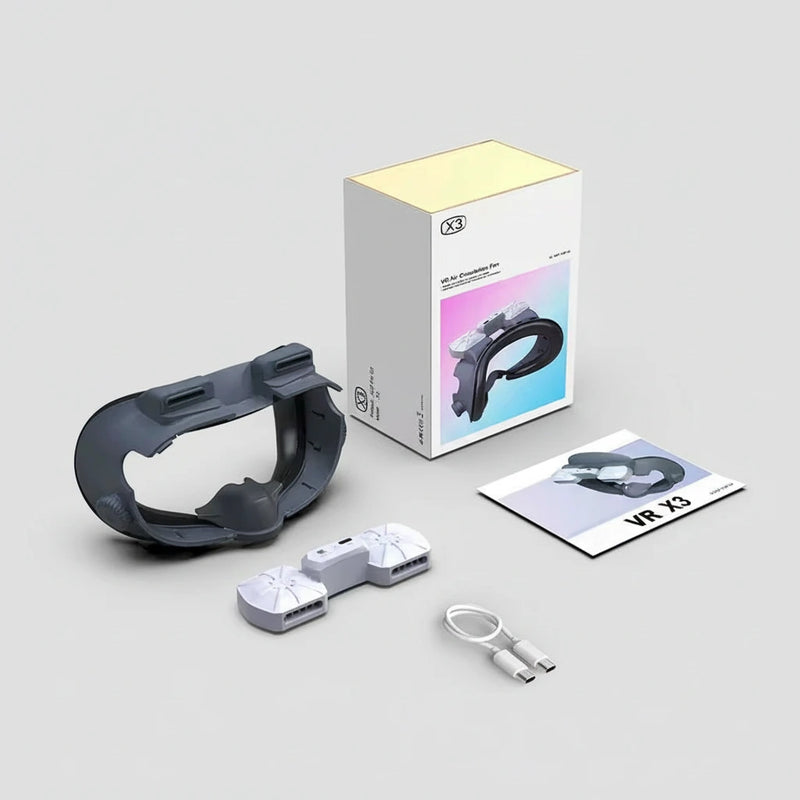
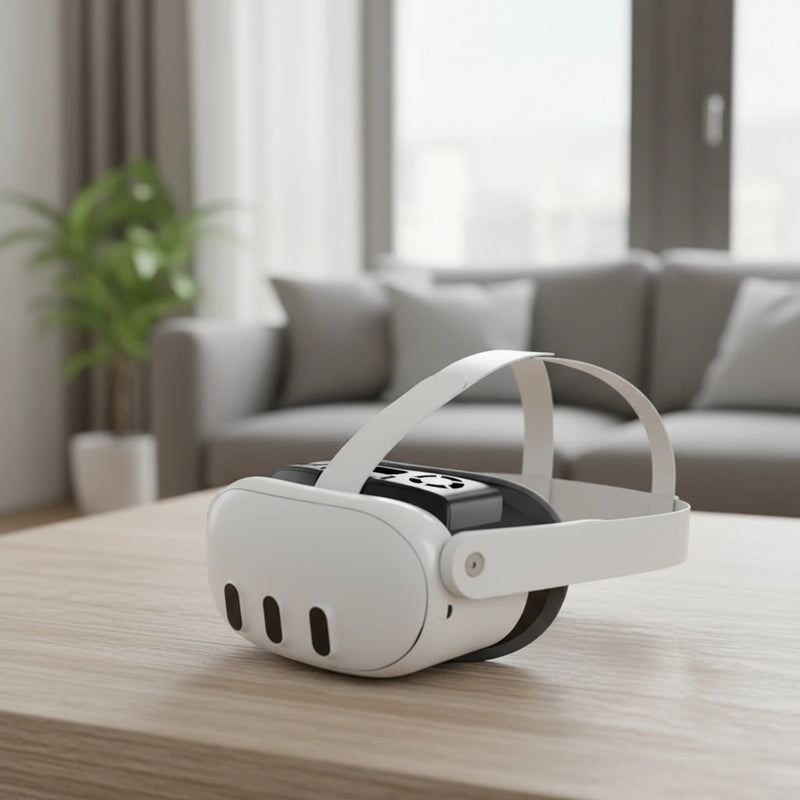
Four fog-and-heat problems, mapped to the cooling interface that fixes them.
Airflow helps move warm, humid air away before it clouds your view.
Active ventilation reduces the hot-box feeling around the headset interface.
Cooling helps active games feel less muggy and distracting.
You spend less time taking the headset off to clear fog.
Built to fight lens fog, trapped heat, sweaty workouts, and repeated headset breaks.

Moves warm, humid air away from your face and lenses.
Helps keep your view clear through intense sessions.
Cooling support without overpowering your game audio.
Recharge between sessions and keep the interface ready.
Compare every spec. No spin.
| SPECIFICATION | Stock Interface | Passive Pad | Cheap Fan Add-On | NORDLABS COOLING |
|---|---|---|---|---|
| Fog Control | Traps humidity | Absorbs sweat | Airflow varies | Active ventilation |
| Face Heat | Gets muggy | Still warm | Localized airflow | Cooler face zone |
| Noise | Silent | Silent | Often loud | Whisper-quiet fan |
| Setup | Included | Pad swap | Bulky add-on | Integrated interface |
| Guarantee | None | Marketplace dependent | Usually limited | 30-Day Refund + 120-Day Warranty |
A visibility and comfort upgrade for workouts, long sessions, and warm rooms.
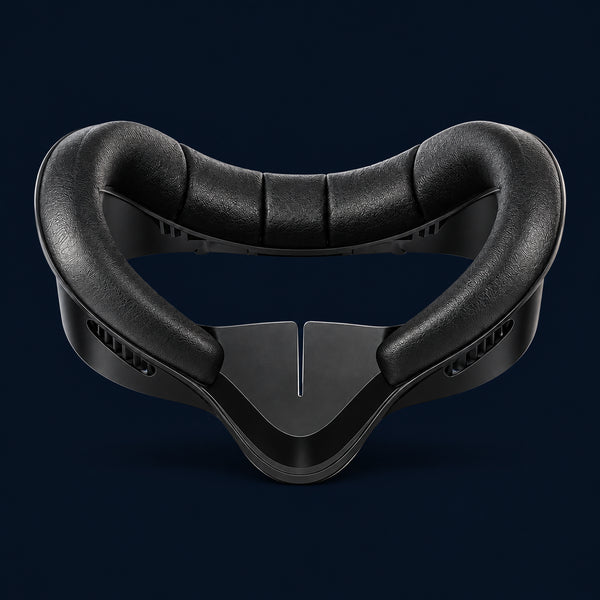
Pull the original face interface off the headset frame.
Align it with the headset and press until it feels secure.
Top up the rechargeable fan before long sessions.
Clean the contact surface after sweaty workouts or shared use.
Cooling-first notes for active Quest players.
Boxing, rhythm, and workout apps create heat fast.
Airflow helps when the room is already working against you.
A cooler interface feels better between back-to-back users.
Less fog means fewer breaks to wipe lenses.
Select your headset model before checkout. The interface replaces the stock face interface for supported Quest models.
It uses active airflow to move warm, humid air away from your face and lenses.
Yes. It uses a small fan designed to run quietly during gameplay.
Charge it by USB-C between sessions.
We offer a 30-day money-back guarantee. If it does not reduce fogging and heat, return it for a full refund.
Overall rating: 2.4 / 5 from 10 reviews.

This fan is not the one you have shown. I cant feel any air and the lens will fog up.

I reached out to customer service advising of the issue with the unit not charging and showing it was functioning, but the charge feature wasn't working and the light is supposed to indicate red when it's plugged in. I have sent 2 messages referencing my order number and including pics requesting warranty return and have not received any response back.
Really good no fogging now Thankyou
Disappointed the fans are t as pictured (they separately attach the face mask), but they seem to hold on well enough. I also wish it pushed just a little more air. When moving a lot it still gets a little foggy. But it is the best thing I’ve seen on the market.
Keeps my face dry and the lenses from fogging when I first put it ob.
It works really well.
Didn't fit and to difficult to send back for refund
Can't figure out how to attach to comfort strap and can't figure out how to send back!
None of these accessories fits my quest that will allow me to use my extended battery pack or charging stand...waste of a lot of money.
won't fit my mask
Complete your Quest setup with these essential accessories